Step 1 of 6 · Academic delivery
Try this experience Teacher subject allocation
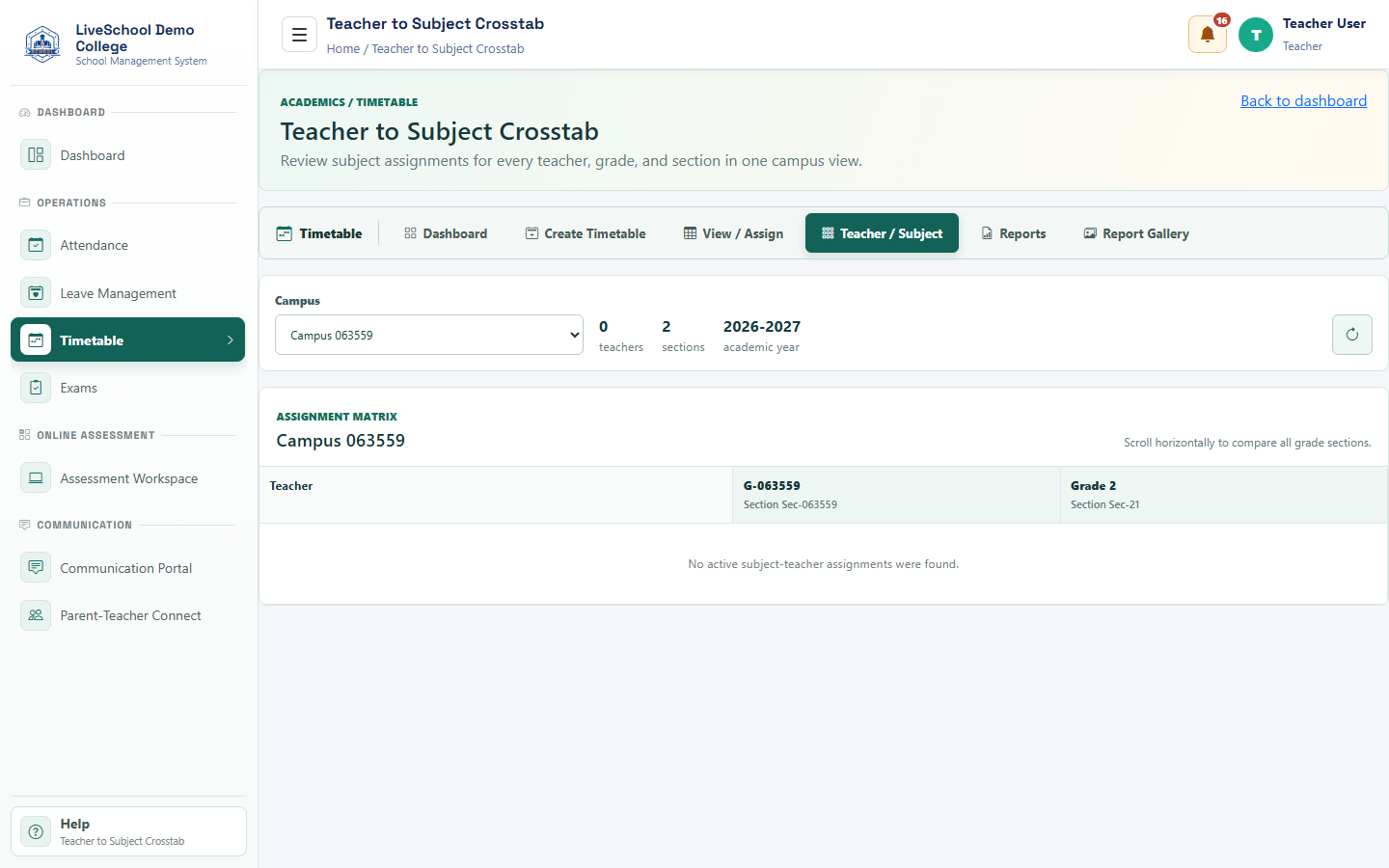
Assign teachers to subjects and sections using a visual matrix.
Guide depth
Interface
How it works
- Complete required parent selections first
- Enter or review each field
- Resolve validation messages
- Save or submit
- Verify the result on the related records page
What the system changes
- Loads sections, teachers, and allocations.
- Makes large matrices easier to scan.
- Controls timetable teacher choices and exam ownership.
- Explains why a teacher appears for a class.